Product
What you can do with it, and what comes next — for people who'd build with NAOMS.
Where this is going: Software you can build on that never holds your users' data hostage.
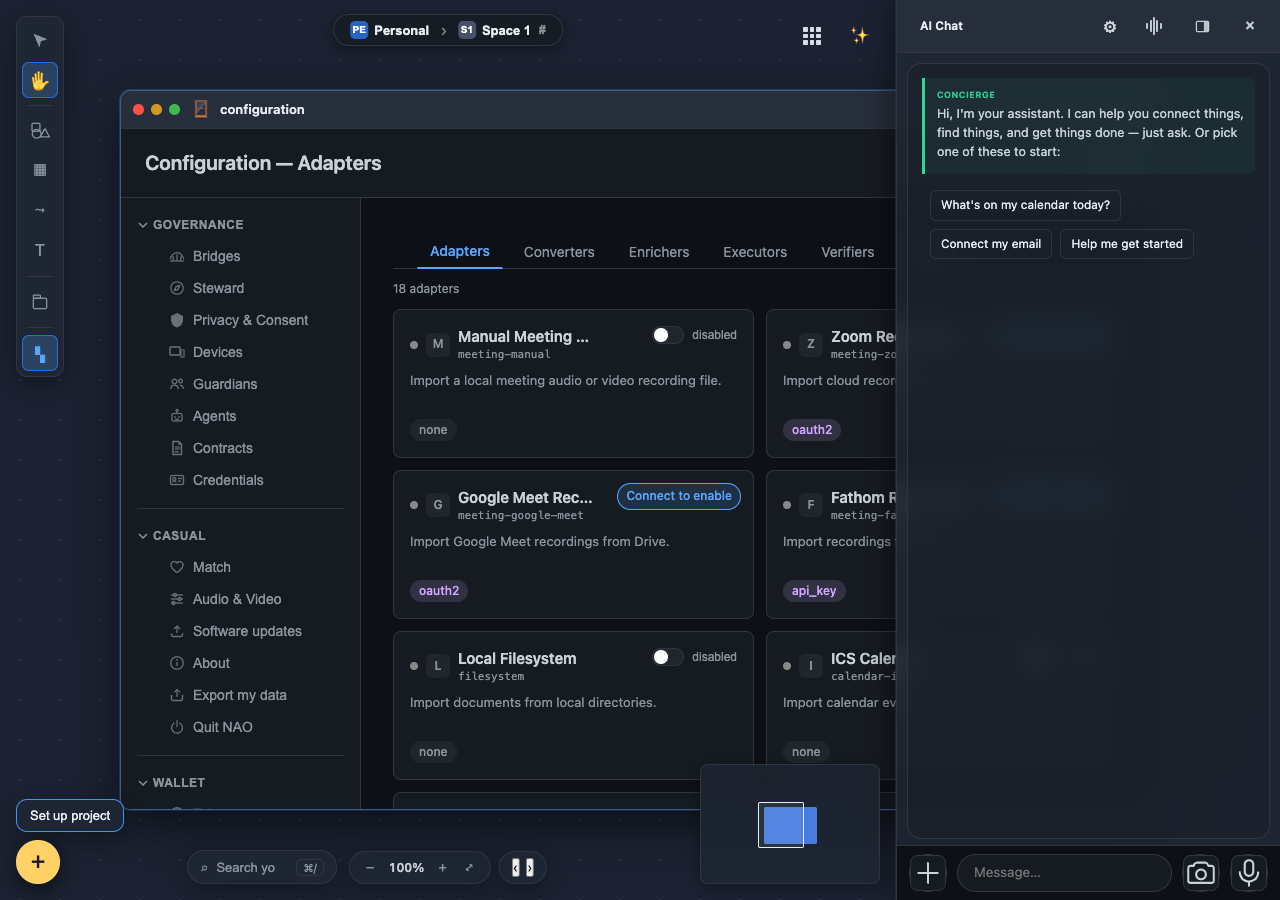
Your first chat starts empty, on purpose
The concierge is the assistant built into NAOMS: you tell it what you want in your own words and it does the work through the same tools the app itself uses, and it is designed to go only as far as you allow. When you open a chat you no longer get a script and a menu of suggestions. You get the logo, a one-line greeting and an empty box, and the conversation starts with you.
A whole office suite inside NAOMS
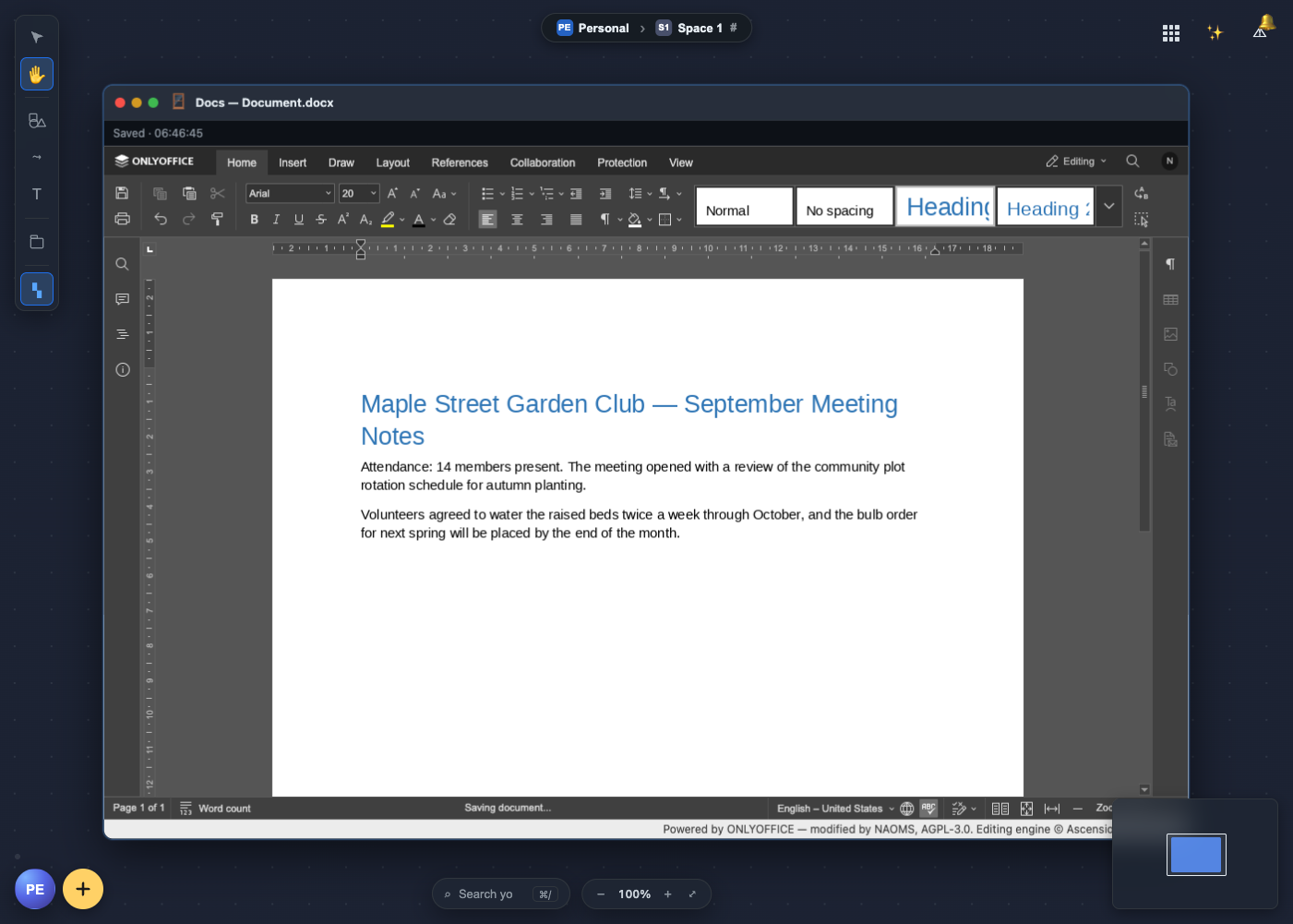
You can now create and open Word, Excel and PowerPoint files inside NAOMS, edit them in the full ONLYOFFICE editors, and have your work saved as you type, with the editors served from your own machine. When a document is shared, the people working on it can edit it together live from their own machines. One of those machines keeps the changes in order, and a machine that drops out catches up when it comes back.
Four tabs for things that need you
Many things in NAOMS that wait on your say-so share one home: the Approvals window. It has four tabs, one for permission requests, one for group votes, one for invitations and memberships, and one for questions agents have asked you. This is a tour of what you can approve there, as it stood on 17 September.
Checking a large model file in pieces
When someone in your group shares a local AI model, NAOMS is built to fetch it straight from them, check it against the signed pack it came in, and keep it only if every byte matches. The receiving side now checks and stores large files in small pieces, so they no longer hit a memory ceiling. A recorded run of a real model going from one person to another, start to finish, is still to come.
Double-click, and it opens
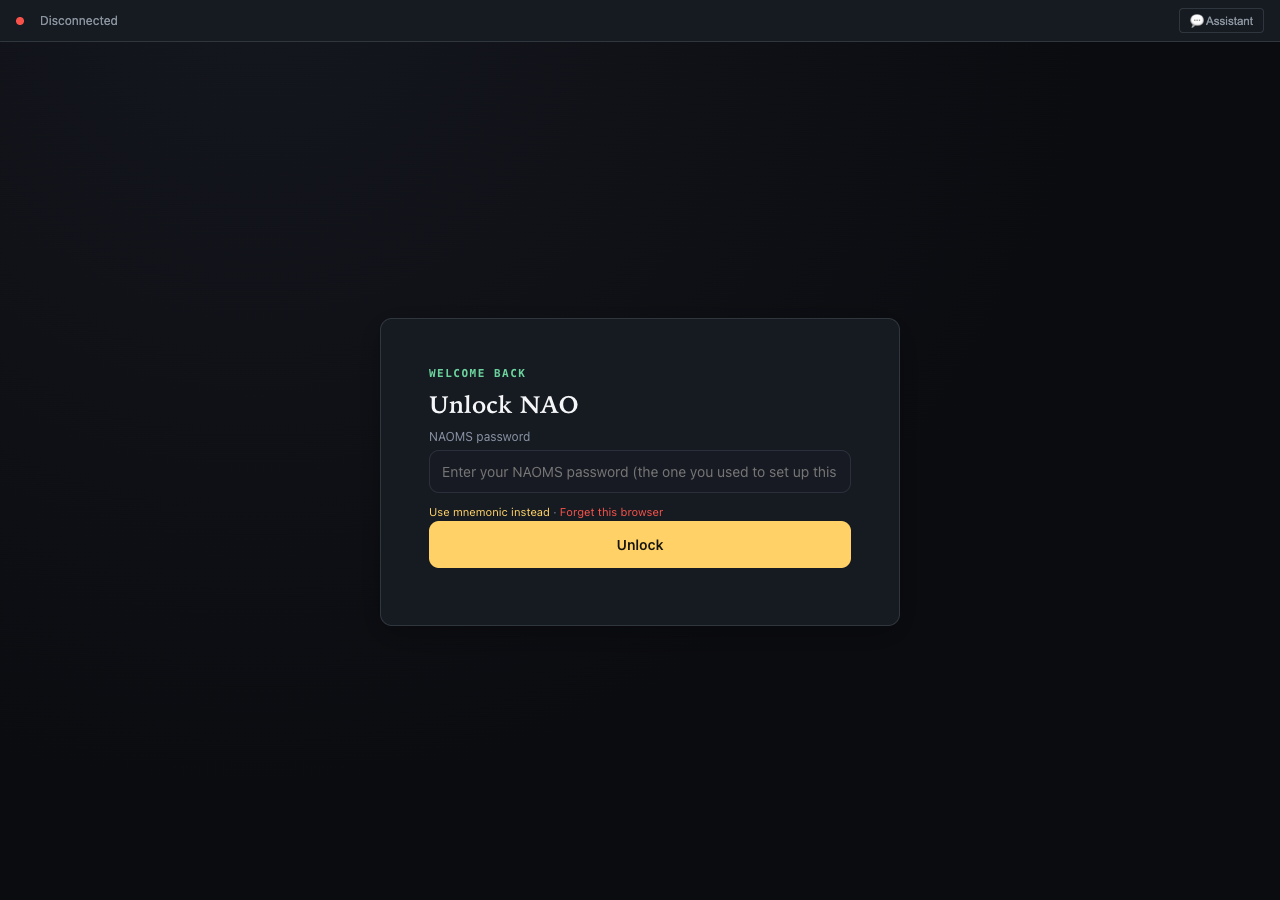
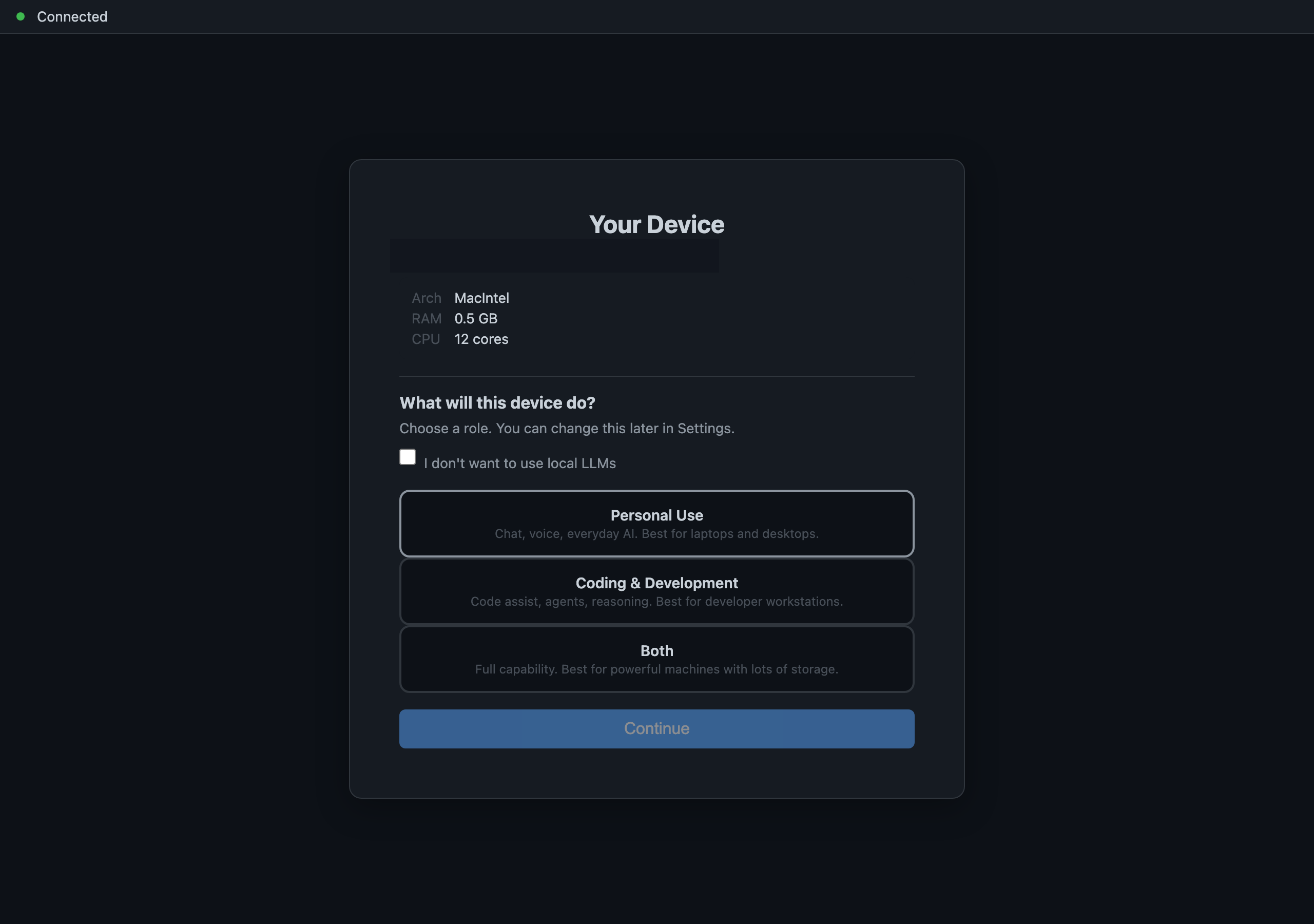
When you open the NAOMS desktop app on a Mac, it starts its own local engine, which comes up locked because your data is encrypted, and then shows you the screen where you unlock it. Two defects kept installed copies on a blank window. Both are fixed, and the second fix was checked in the same web engine the Mac app uses.
When a bird walks into the photo
We are building photo pipelines that react to what is in the picture: when your own machine's description of a photo mentions a bird, a bird-specific plan runs on it. Categories are plain data a package can add. The species step is built to name a species only when its score clears a bar, to fall back to "bird" when it does not, and it names nothing when no identification model is installed.
Show me the photo where…
We are teaching photo search to take a real sentence, like "show me Maya sitting next to Tom in a red car", and treat each part of it as its own claim that has to be true of the picture. A vision model on your own machine writes a short description of each photo; if no such model is installed, you get no description rather than a cloud upload.
A group belongs to its members
We're changing how authority works in shared spaces: the creator is just the first steward, not an owner. Membership and stewardship become two separate credentials, so that a group will be able to take away someone's governing role without removing them from the group. This is a direction plus work in progress; it is not finished.
Adding Someone Is Not A Row In A Table
In most software, adding a person to a shared space is a database write. Here, writing is cryptographic — so letting someone in has to actually hand them the ability to sign. It turns out there are two different ways to do that, and which one you get depends on the space.
The Bug Report You Read Before You Send It
A useful crash report is made of exactly the things you would rather not hand over. So the report is scrubbed before it is parked, encrypted where it waits, and shown to you — with the personal details it found flagged — before anything is approved to leave.
There Is No Ungoverned Route To A Model
Local isn't a wall the system puts in front of you — it's the default setting of a permission layer. Reaching outward is allowed, but only on an explicit grant from you that gets written down, so there is always an auditable answer to what may leave and who permitted it.
The Thousand Events Behind You
Finishing setup while the system writes a thousand records behind you, without the thing you are typing into going numb. The interactive write path is built so that unrelated writes never queue together and the listening loop is never the thing doing the work.
The App Brings Its Own Rulebook
What is a newly installed package allowed to write into your memory? The answer used to be a list baked into the core — which meant the core had to know, in advance, about every piece of software that would ever exist.
Refusing To Overwrite What You Cannot Open
The keys that prove you are you have no password reset, so the vault holding them enforces one rule: nothing may overwrite key material it cannot itself open. Where that rule lives — on the write, not on the callers — is what makes it hold.
A Voice That Never Leaves The Machine
NAOMS can speak to you in a warm neural voice with no network call, no API key, and nothing sent anywhere. The hard part wasn't the speech — it was making a 1.7-billion-parameter model answer fast enough that you'd actually let it talk.
The Door You Hope Never To Use
You can export everything NAOMS holds about you and walk away with it. Worth knowing is how it's built: chains and graph by default, your files and vault secrets only if you ask, a receipt whose numbers come from the export itself, and a confirmation step designed so your answer is the one that counts.
The Same App On Two Operating Systems Is Two Different Browsers
NAOMS installs as a native desktop app on macOS and Linux — one click, no terminal. The window it runs in is a different browser on each operating system, with different features switched on out of the box, and an app that wants your microphone has to know that.
Where Should This Thing Live?
The app drawer had quietly filled up with things that aren't apps — connection ceremonies, a wallet, infrastructure knobs. Sorting them into the places people actually reach for meant admitting, in writing, which part of the fix was still a hack.
Let an AI Into the Group Chat Without Handing It the Room
You can invite an AI assistant into a shared conversation, and in a group-owned conversation the people already in it get to object before it comes in. What you approve becomes a permission slip the assistant carries, checked before every single action it tries — and the record of who let it in, who objected, and who removed it outlives the assistant.
Your Friends Get Their Names Back — On Your Screen Only
When you open a shared group in NAOMS, every member is a name-less marker by default. Your own device then fills in the names of the people you already know, matching against your own address book — so strangers stay strangers on your screen, and nobody else learns which is which.
A Group That Knows You're Real Without Learning Your Name
When you join a group in NAOMS, the other members can see that a real member is there — without being told your permanent identity. Your membership is recorded as a name-less fingerprint that looks completely different in every group you join. Alongside it you compose a card for that group, and you decide what goes on it: a display name of your choosing, a photo, particular verified facts about you, or nothing but merit and reputation with no name attached at all. It is published under a persona for that group, not under your root identity.
Why the assistant sees 24 tools, not all of them
If you asked the assistant to do something it genuinely knew how to do, it could still tell you it couldn't — not because it was refused, but because nobody had mentioned that capability to it. That list is gone. It now has access to everything, and each time you ask, it is shown a short ranked shortlist plus a way to search for whatever the shortlist missed.
Being logged in is four things, not one
If you have a personal account and a work account on the same chat network, you can now connect both and run both at once. Where you would previously have lost one of them without being told, the connect step now either names the account it is about or stops and asks you which one you meant.
Your reply leaves from the account that received it
We are building support for connecting two accounts on the same chat network — two Slack workspaces, two Discord logins — and having replies leave through the one the message arrived on. This landed on 9 August and is still in implementation, not finished: naming an account is honoured for Slack and Discord sends and for replies, and the account picker is deliberately shown only where it is real.
A Canvas You Can Compose In
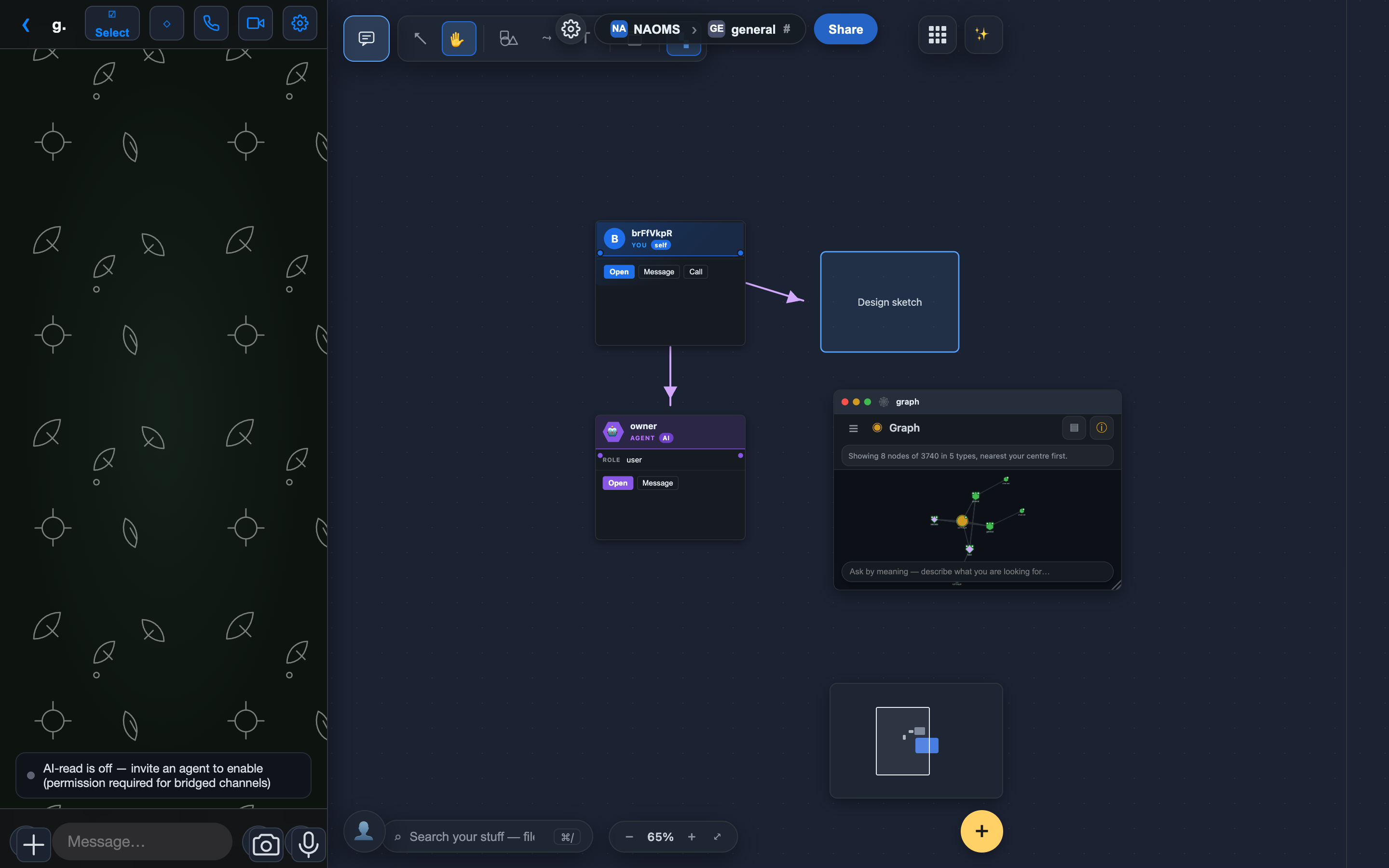
The canvas isn't a whiteboard bolted onto the app — it's the place your spaces become workable. Each space (your personal one, or a hive channel you share with others) opens its own data through whatever app you point at it, search reaches across all of it, and in a shared space the conversation sits right next to the work. On top of that you draw, connect, and bundle by hand — freedom of expression laid over the real, relational shape of your data.
NAOMS in your pocket
Open NAOMS on your phone and it behaves like a phone: your apps are stacked, swipeable cards with one native bottom toolbar, and each app keeps the exact spot you left it in when you jump away and back. The mobile Files app comes along for the ride — you can browse and view your files from a real mobile toolbar. One honest limit: uploading a file from your phone is not wired yet.
Your networks, one honest inbox
One of the most-wanted things NAOMS does: bring every chat network into a single inbox so you stop switching between six apps to find who said what. This is the honest map of where that stands — a per-network table, verified against the adapter code, showing exactly what sends, what receives, what each network permanently can't do, and where your credentials live. Nothing is greyed-in that doesn't work. The receiving side is real (Matrix proven end to end); replying back out is what we're wiring next; and Signal is built but not yet live — so it says so instead of faking it.
One calm home for the conversations you keep close
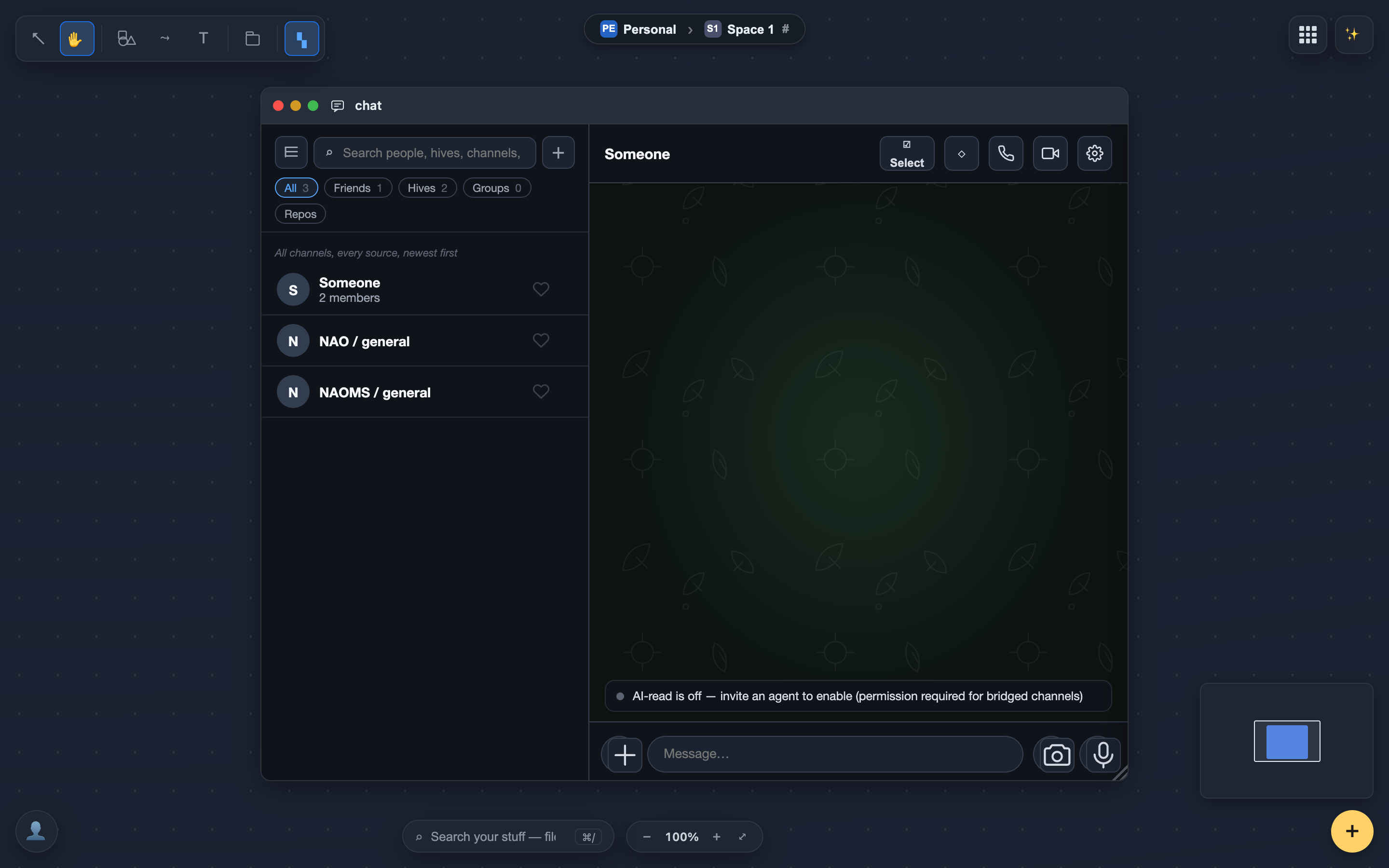
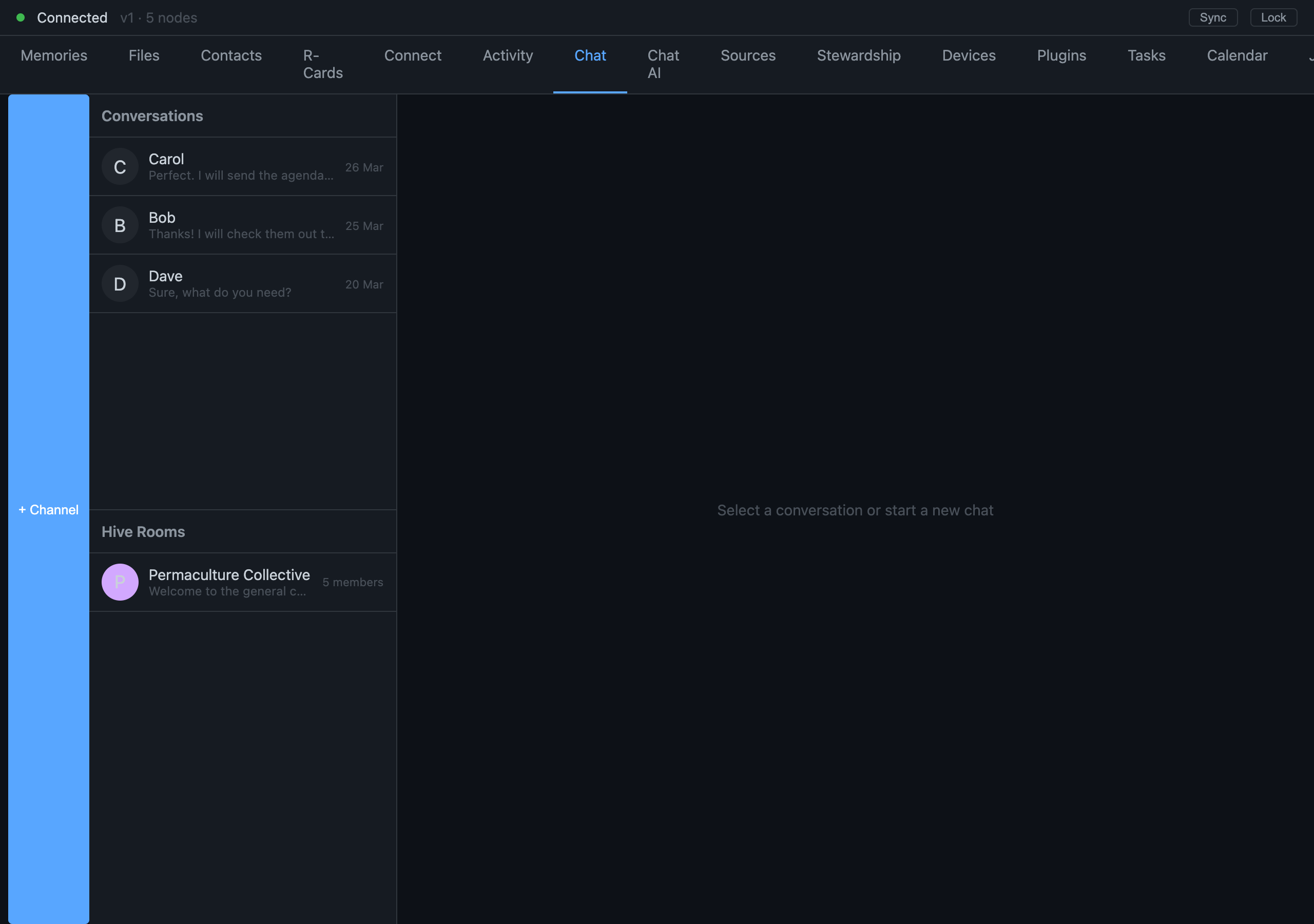
Open chat and you get one calm list of the people and hives you actually talk to inside NAOMS — each person in a single row, their channels together in one place — with no message read by an AI until you ask for it. As you connect outside networks, they are built to flow into that same quiet list.
Search Your Own Photos on Your Own Machine — and It Won't Fake a Match
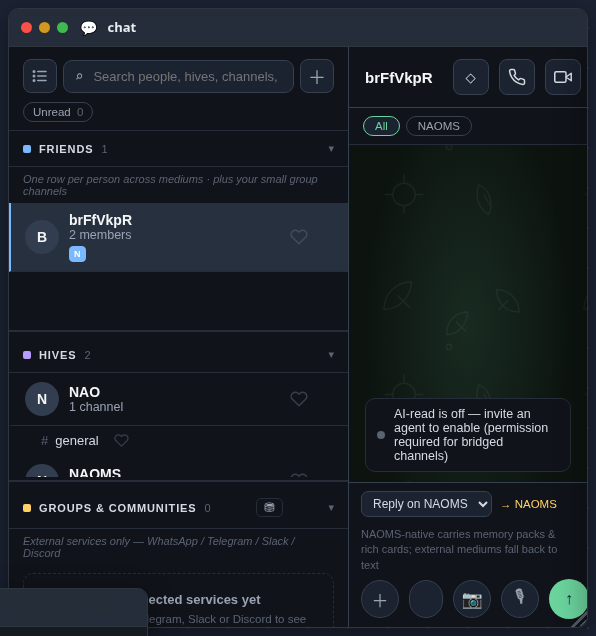
Your photos are your real pictures, and searching them happens on your own machine. Type a place, or filter by time or source, and the view narrows; your device works out where each picture was taken and names the spot, so you can see them on a map — with nothing uploaded. The richer searches that read what is actually inside a picture need a model you install, and until it is there the app stays silent instead of faking a match.
Your Whole World on One Infinite Canvas
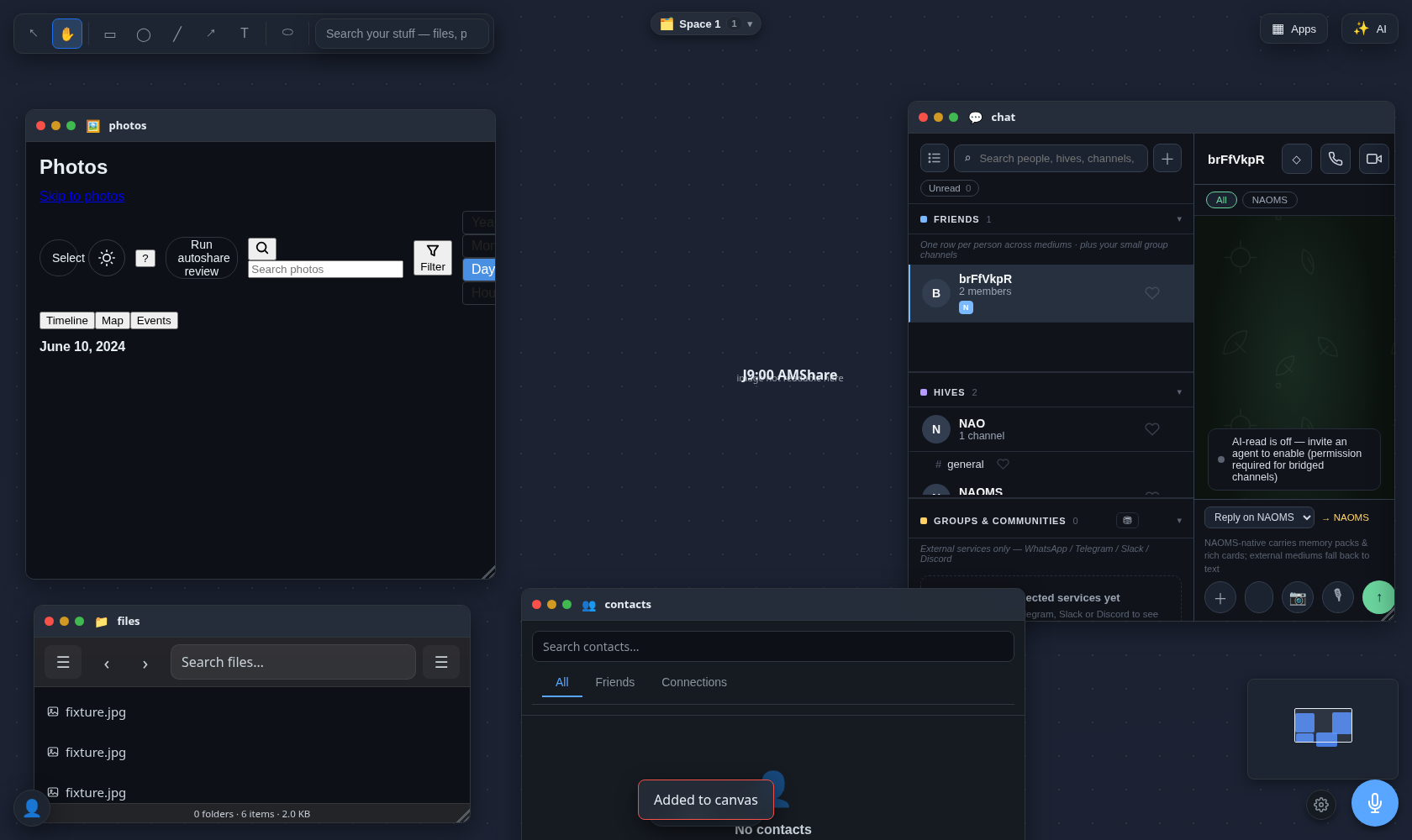
The browser app is now one endless canvas. You open your real apps as windows on it, drag any photo, file, person, or note straight onto the surface, arrange and draw around them, and pull an AI chat window over to talk through whatever you're looking at.
Send Someone Value on NAOMS — No Bank, and It Can't Half-Finish
You can now send value to another person on NAOMS, and it lands in their balance — on their device, not yours, with no bank and no central ledger in between. It isn't money moving; it's a shared record of what the two of you owe each other, kept honestly on both sides. Every transfer needs both of your devices to co-sign, so nothing happens unless both of you actually agree. And if the other person's device can't be reached, the transfer is refused on the spot — it never half-finishes, quietly crediting one of you and stranding the other. This is the first, deliberately narrow slice: a two-person ledger, not yet a currency that circulates through a crowd. We'll tell you exactly where the edges are.
Linking WhatsApp Without a Camera
NAOMS is building toward one calm list that holds every messenger you use — WhatsApp among them — with no server in the middle reading along and no algorithm deciding what you see. But there is a stubbornly physical problem underneath that vision: linking a WhatsApp account normally means scanning a QR code with a phone camera, and the thing doing the linking here is a headless daemon with neither screen nor camera. This week we wired the way around it — an eight-character pairing code you type once on your phone — end to end, from a config field through the bridge subprocess to the prompt on your screen. And in doing it we found that WhatsApp had been silently broken on every fresh install by a library that quietly moved one export, and made it fail loudly forever after.
Giving the System a Voice That Stays Home
NAOMS can talk to you out loud now, in a warm voice instead of a flat robotic one. The pleasant part is that it speaks. The part we actually care about is WHERE the voice is made: by a model running on your own machine, so the sentences it says — often the most personal ones — never travel to a server to be turned into sound. This is the plain-language tour of how that works, why keeping the model "warm" is the whole trick, and the honest catch we found after we celebrated.
The First Two People Talked
There is a moment in any communication tool that no amount of testing substitutes for: the first time two real people use it to say something real to each other. We reached it. This is the architect's version of that moment — what actually happens to a message between leaving one device and arriving readable on another, why that path has no server reading along, and an honest count of the twenty defects still standing between this first heartbeat and the calm multi-source list we are really building toward.
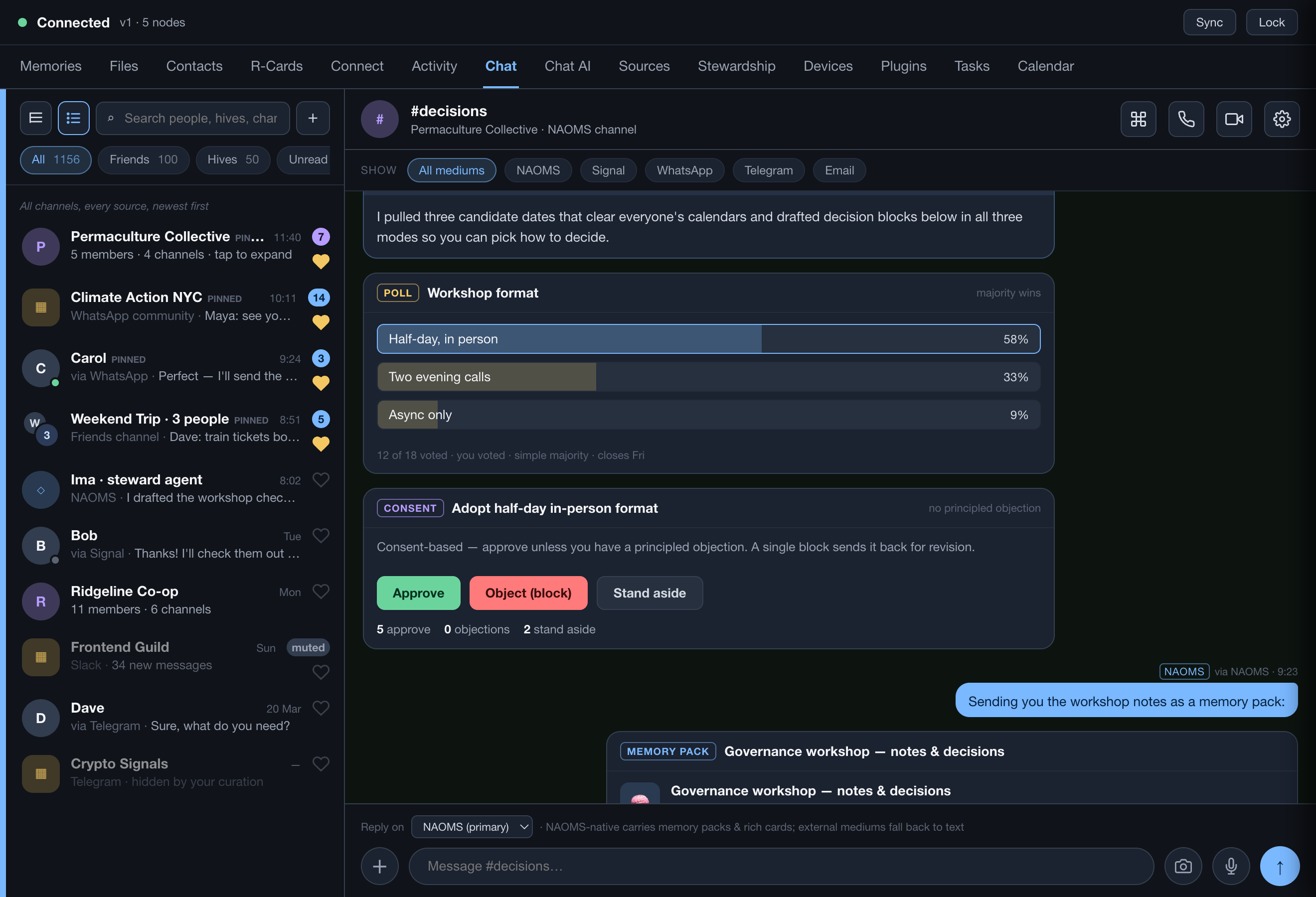
NAOMS Is Now an App You Double-Click
For most of this project's life, running NAOMS meant starting a daemon in a terminal and pointing a browser at the right local address — nothing for a developer, a wall for everyone else. Now it's a native desktop app you double-click. But the interesting part isn't the window. It's that the app has to be the on-switch: it brings up the daemon, keeps it alive, and takes it down cleanly, all as one thing you launch. This is the story of that under-the-hood job, and why getting it right is the difference between a demo and a product. Honestly scoped: macOS first, the other platforms are the road ahead.
A Guess About Your Photo Is Never Filed As a Fact
We're building photo search that labels your pictures by looking at them — and treats every one of those labels as a guess until you say otherwise. A guess that is too weak is not stored at all, a guess that is stored is marked as unconfirmed, correcting one keeps the wrong answer on the record instead of erasing it, and the screen never prints a precision it does not have. This describes the shape as it stands rather than as it stood on the date above — the correction and forgetting handlers, the confidence band and the per-analysis bar all landed in the days and weeks after it.
Nothing Can Say 'Yes' For You Anymore
When you approve something sensitive in NAOMS, the check that it's really you now happens inside the part that runs on your own machine — and we're removing every way for a browser, phone, or script to claim you approved when you didn't. The core path is proven with a real fingerprint tap; we're extending it across the rest now.
Approve With a Touch — Nothing Leaves the Machine in Your Hands
Today, on your own machine, NAOMS can ask the operating system for your fingerprint and unlock a protected key the instant you touch the sensor — with nothing sent anywhere. We tapped it this week. Here is what that feels like, and where it's headed: one touch to approve anything sensitive.
Put a Fingerprint in Front of Anything You Build — No Auth Server to Run
Picture wiring a fingerprint check into your app and realizing there's no auth server to deploy, no identity provider to register with, no WebAuthn ceremony to host. You ask NAOMS to authorize an action; the user touches their sensor; you get a yes that was checked at the one place that can't be faked.
Your Files, Without a Cloud Looking Over Them
You can arrange your own files like papers in drawers you built yourself — and nothing indexes them in a cloud you don't control. We're building a file browser that brings your existing disk files into your own encrypted storage (through a sync you consent to) so you browse everything in one window. The surfaces are in; the feature is still in progress and not yet signed off.
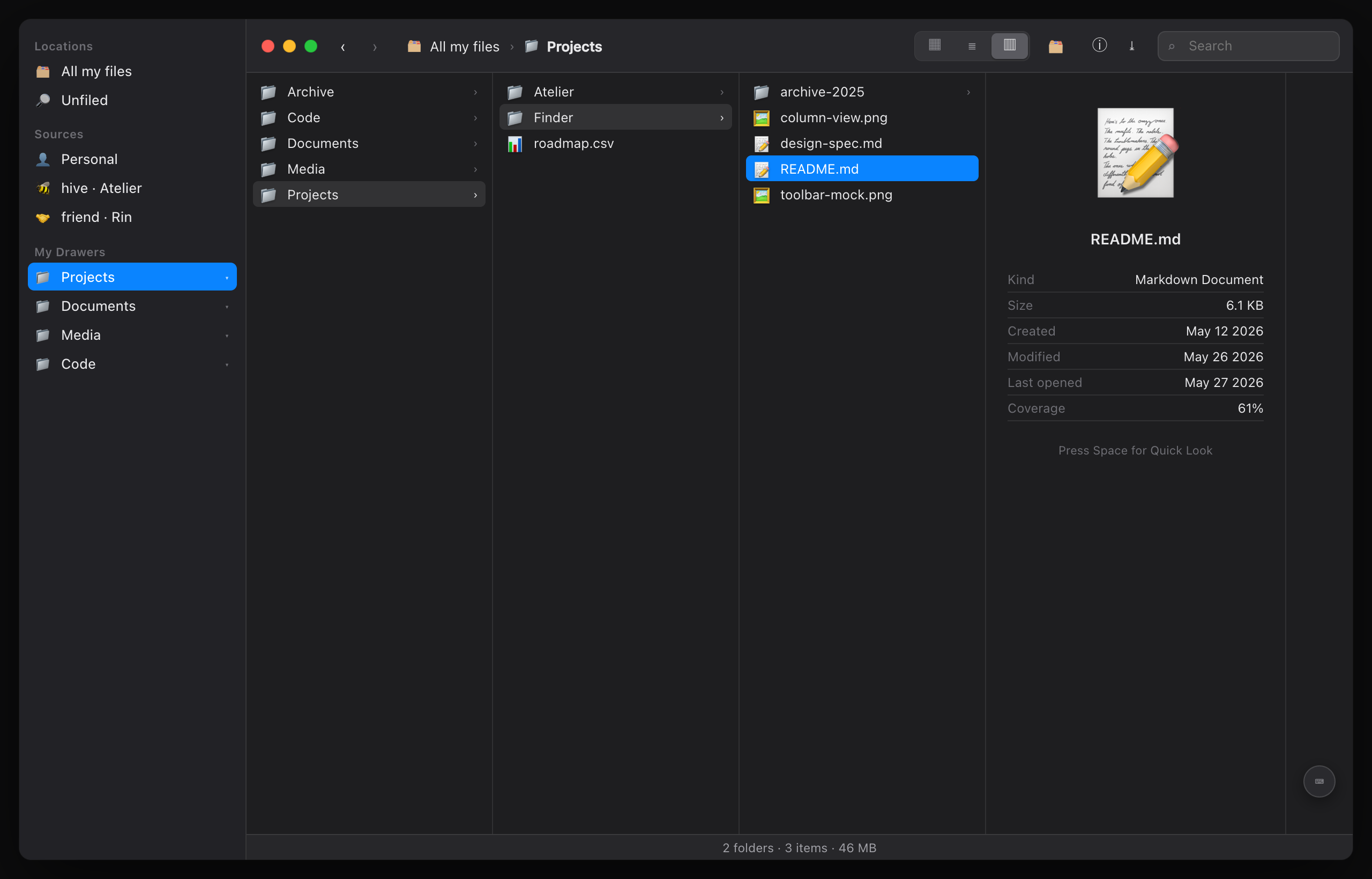
A Photos App That Never Hands Your Library to Anyone
Your photos get an app that looks like the cloud ones you know — a flowing river, places, people, stories — but never stores a single image on anyone else's servers. Seventeen redesigned screens landed in one day; honestly, they're still in verification, not finished.
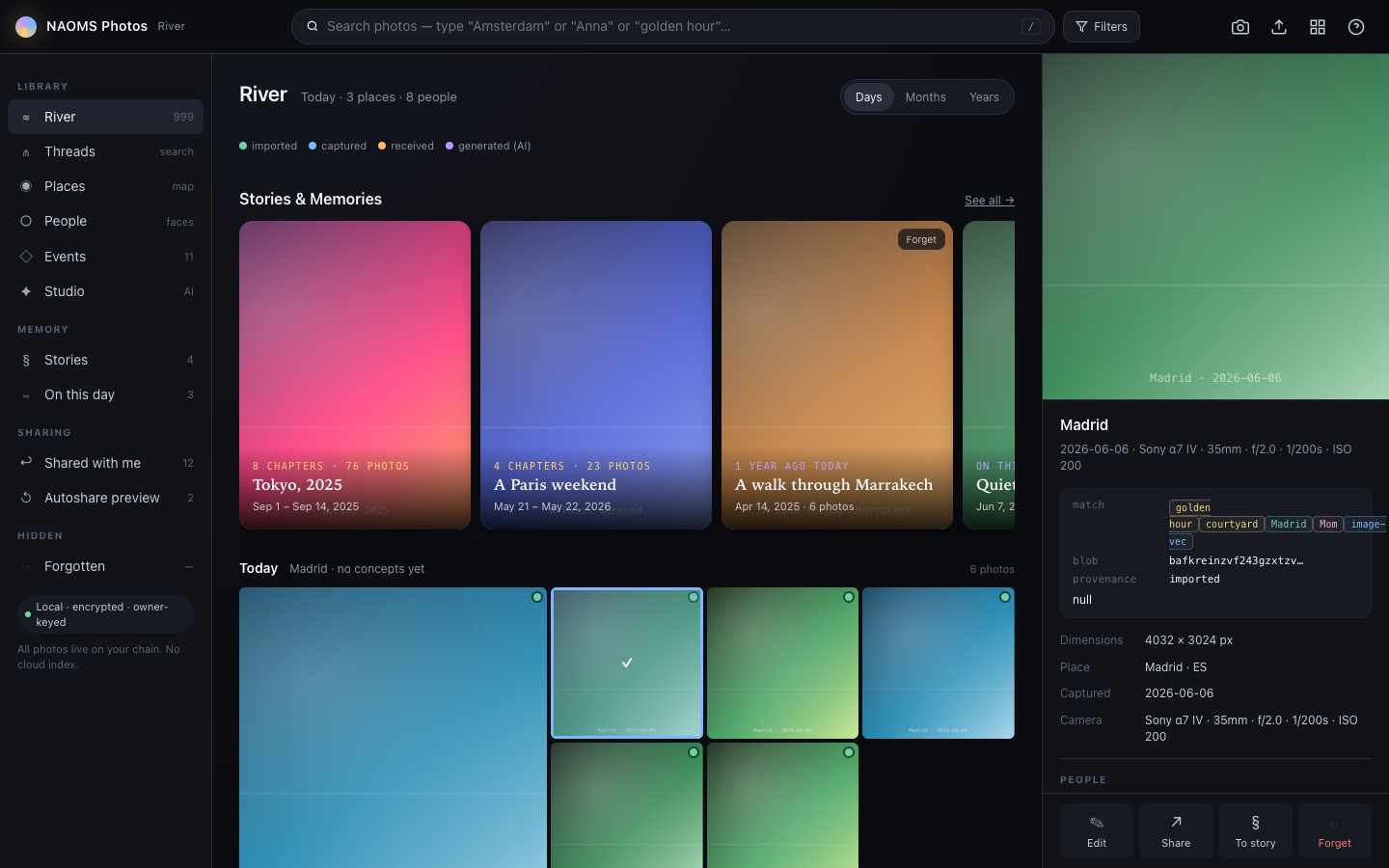
An Address Book Where Every Entry Signs Back
A normal contact is a private string you typed about someone who never agreed to it. Here a contact is a relationship both people sign into being — keyed on an identity that proves itself, kept mutual, directional, and revocable — so the rest of the system can actually trust it to mean something.
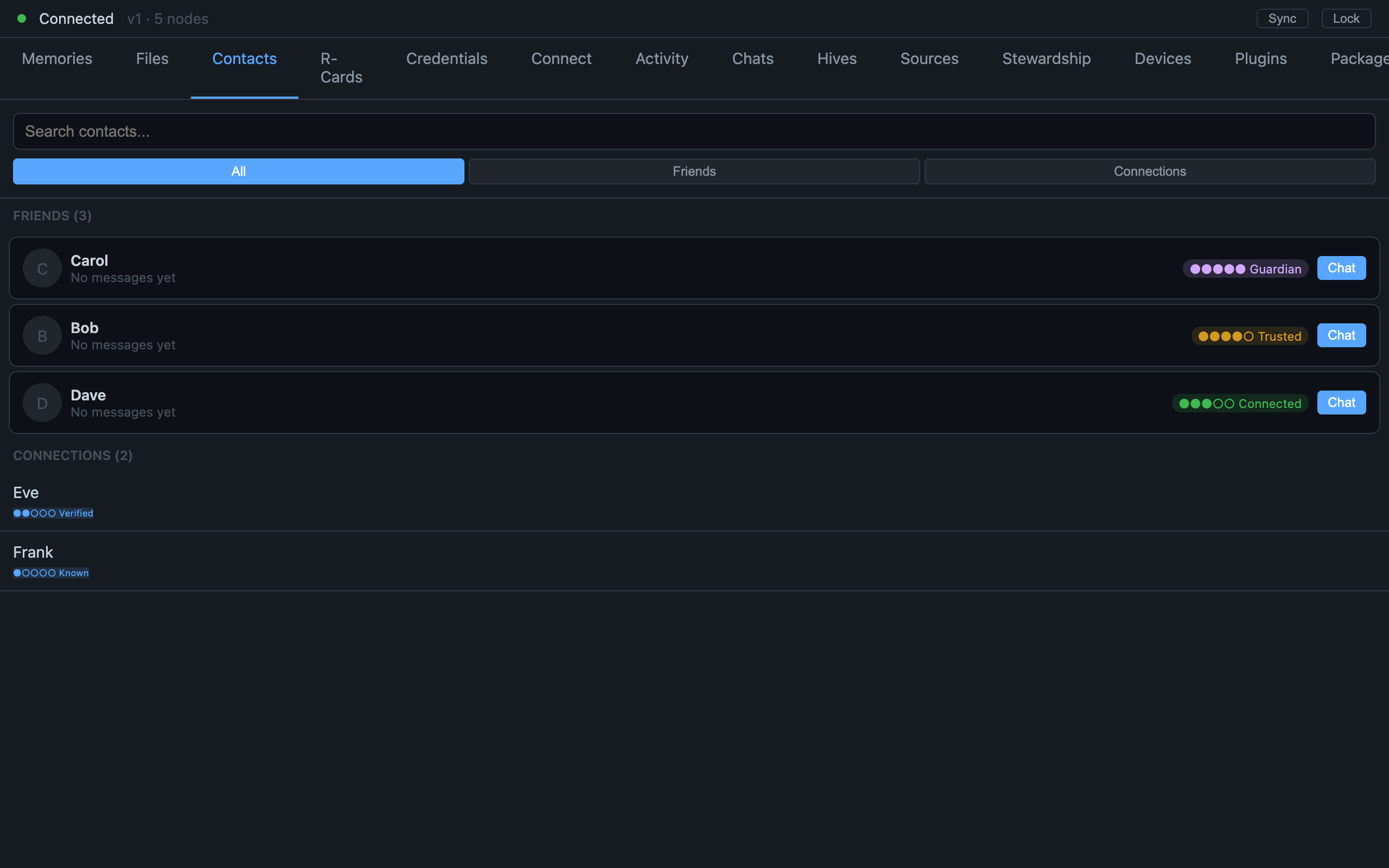
Adding a Second Device Without Copying the Key
The obvious way to put your identity on a second device is to copy the secret over — which is also the worst way, because a secret in transit can be intercepted. Instead your new device proves it already shares the root and earns its own distinct key, so the master never travels at all. Here's how a device joins without the key ever moving.
Finding a Time Without a Shared Calendar Server
Today's tools make you expose your calendar to a server in the middle just to pick a time. Here two people converge on a meeting by passing signed proposals straight between their devices — and each side reveals only as much of their week as the relationship warrants. No server ever learns who's meeting whom.
One Inbox for Every Conversation You've Ever Had
Your conversations are scattered across half a dozen messengers and an email account, and the only place they come together is in your head. We didn't ask anyone to switch apps — instead every thread lands in one inbox you control, with one rule we won't bend: an AI never joins a conversation silently.
The Ceremony That Turns a Stranger Into a Contact
On most apps, adding someone is a one-sided tap that leaves a row in a database you don't own. Here it's a mutual ceremony — both of you offer, exchange, agree, and sign — so what you walk away with is a relationship you actually own, provable even with everyone else offline.
Recording a Call, With Consent You Can Take Back
What it means to record a call the local-first way: recording can't start without the other person's consent, and that consent can be taken back. A plain-language walk through the idea and why it's built this way.
Any Test That Passes Over a Gap Is a Lie
A passing test only proves the code does what the test says — not what the design actually needs. Here's the sharpest one-line rule we've found for telling a test that proves correctness from one that just agrees with the code.
Search That Never Phones Home
Every search box you use sends your query somewhere. Even searching your own files often means a query leaving for a cloud index. We built search that does the opposite: it understands what you meant, follows the connections between your memories, and does all of it on your device. Nothing about what you are looking for ever leaves your machine. Here is how search by meaning works when the search never phones home.
Proof You Said Yes: Consent as a Signed Receipt
When you say yes to something, you get a receipt you can hold and check yourself — not a box that flipped true on a server you can't see. Here's how consent becomes proof, and where we've built it so far.
Three Commitments Allowed to Lose Every Other Argument
When you use NAOMS, three promises sit above everything else and can never be traded away — your node works offline, nothing changes behind your back, and forgetting is allowed. Here's the day we wrote them down as law.
What a Verifiable Claim Actually Is
Next time you see a "verified" badge, you'll know the right question to ask: can I see the proof myself, or am I just being told to trust the company that put it there? Here's the difference, in plain language.
A Crowd That Is Also a Person: Hives as Beings
Your group in NAOMS isn't a folder someone else can delete — it's a hive, a being in its own right, with its own identity, its own rules, and the ability to vouch for you. Here's what that means, and the day its core shipped.
A Relationship You Can Hold: What an R-Card Is
You can hold a profile, a contact, a friend list — but not the relationship itself. An R-Card is that missing thing made concrete: a small object that is the connection between two people. Here's what it is, why it's two-sided, and honestly what's built versus still on the drawing board.
An Identity That Resolves to Nobody's Server
Your email, your handle, your phone number — you rent all of them, and the landlord keeps the keys. NAOMS gives you a name you actually own: one anyone can look up and verify without trusting any company's server. Here's how it works.
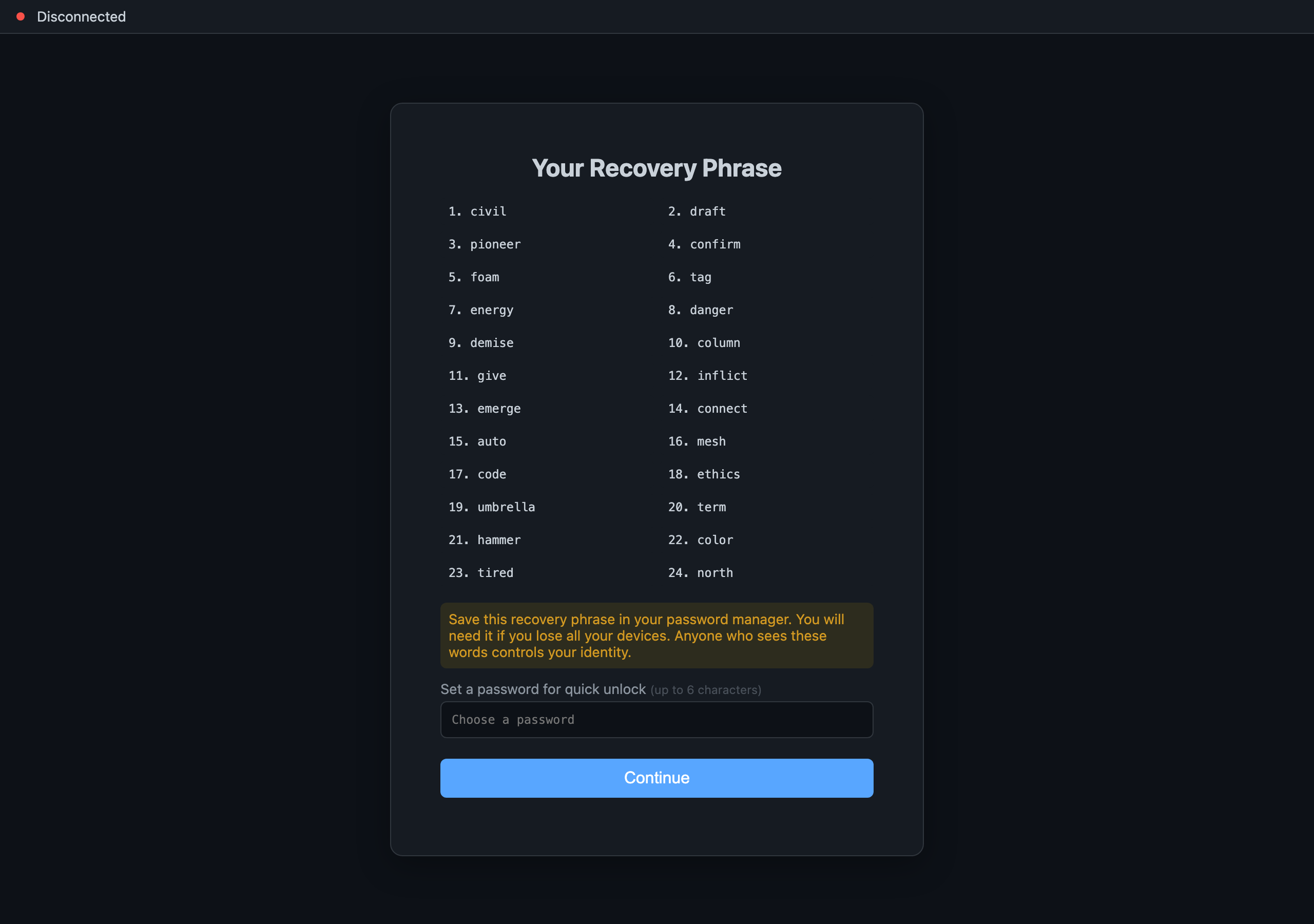
What Your 24-Word Recovery Phrase Really Buys You
Those 24 words you're told to write down — what are they really? This friendly primer follows one phrase as it unfolds into a whole tree of keys, so you'll understand why a single phrase can back up everything at once, and exactly what it does and doesn't protect.
Talking to Your Memory: The Local Voice Path
Want to talk to your memory and have it talk back — without your voice ever leaving your machine? This walks through the March-2026 voice pipeline that did exactly that, hop by hop, with no cloud anywhere in the loop.
How a Question Travels — and When It's Allowed to Give Up
When you ask your memory something it can't answer from your own device, what happens next? Here's the journey: it checks home first, asks trusted peers only if your privacy settings permit, and is allowed to honestly say 'I don't know yet' rather than fake a complete answer.
The Receipt That Tells You What It Couldn't Find
Ever gotten an empty result and wondered: is there really nothing there, or did it just not look? NAOMS hands you a receipt with every answer — what it found, and what it couldn't reach and why. 'I don't know yet' becomes an honest answer, not a silent gap.
Install NAOMS: From Zero to Your First Identity
Follow this and you'll go from a fresh machine to your own NAOMS identity — one that lives on your device and that you alone hold the keys to. You'll start the background service, run setup, and safely save the one-time recovery phrase. Every command was checked against the source as of June 2026.